Manage who can build (RBAC)
OpenBuild scopes builder access through Nextcloud groups. Anyone in the admin group has the full ride; everyone else needs explicit membership in an OpenBuild builder group. This is what stops an end user from opening the schema designer for an app they only meant to use.
Goal
By the end you will have nominated a Nextcloud group as the OpenBuild builders group, added a user to it, and confirmed they can open the page designer.
Prerequisites
- You are in the Nextcloud admin group.
- The user (or users) you want to give builder access exist on the Nextcloud and are in at least one group.
- A sense of the access matrix you want — for most teams one builder group per virtual app is overkill; a single OpenBuild builders group is the right starting point.
Steps
-
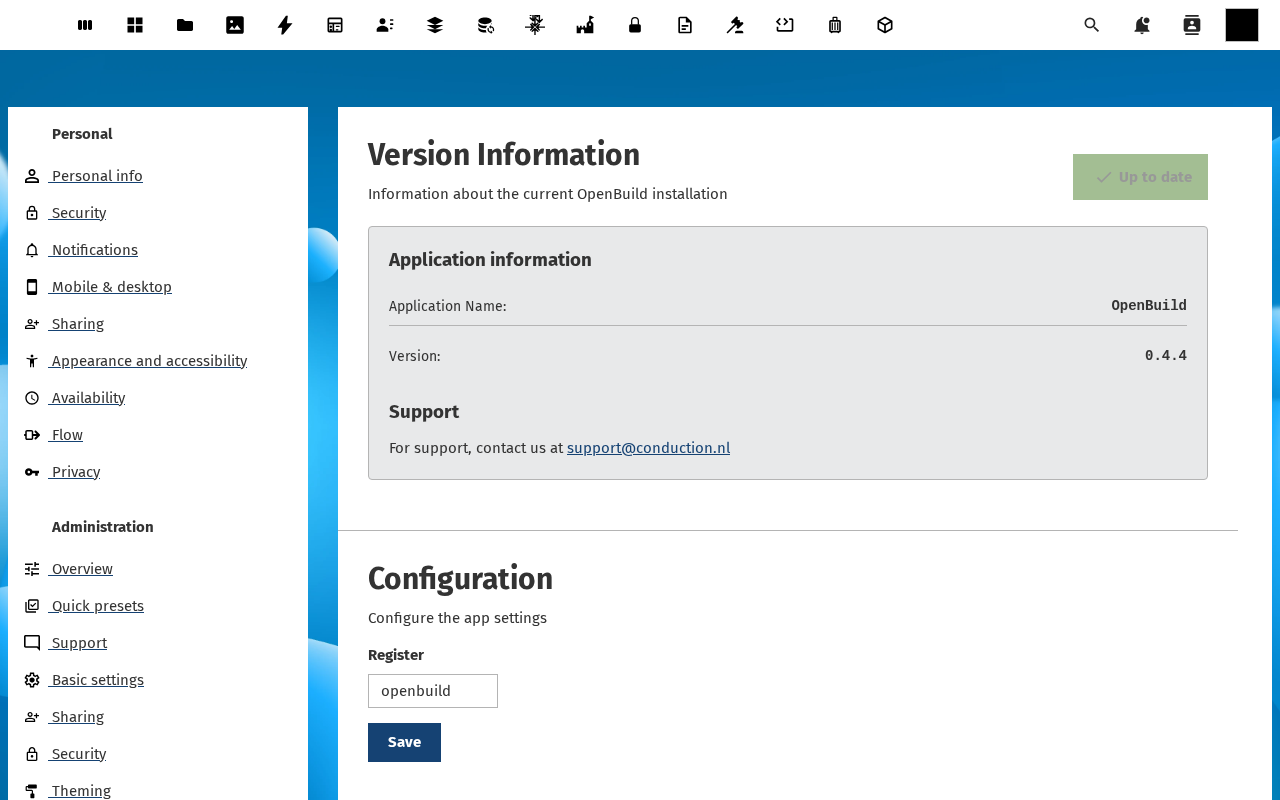
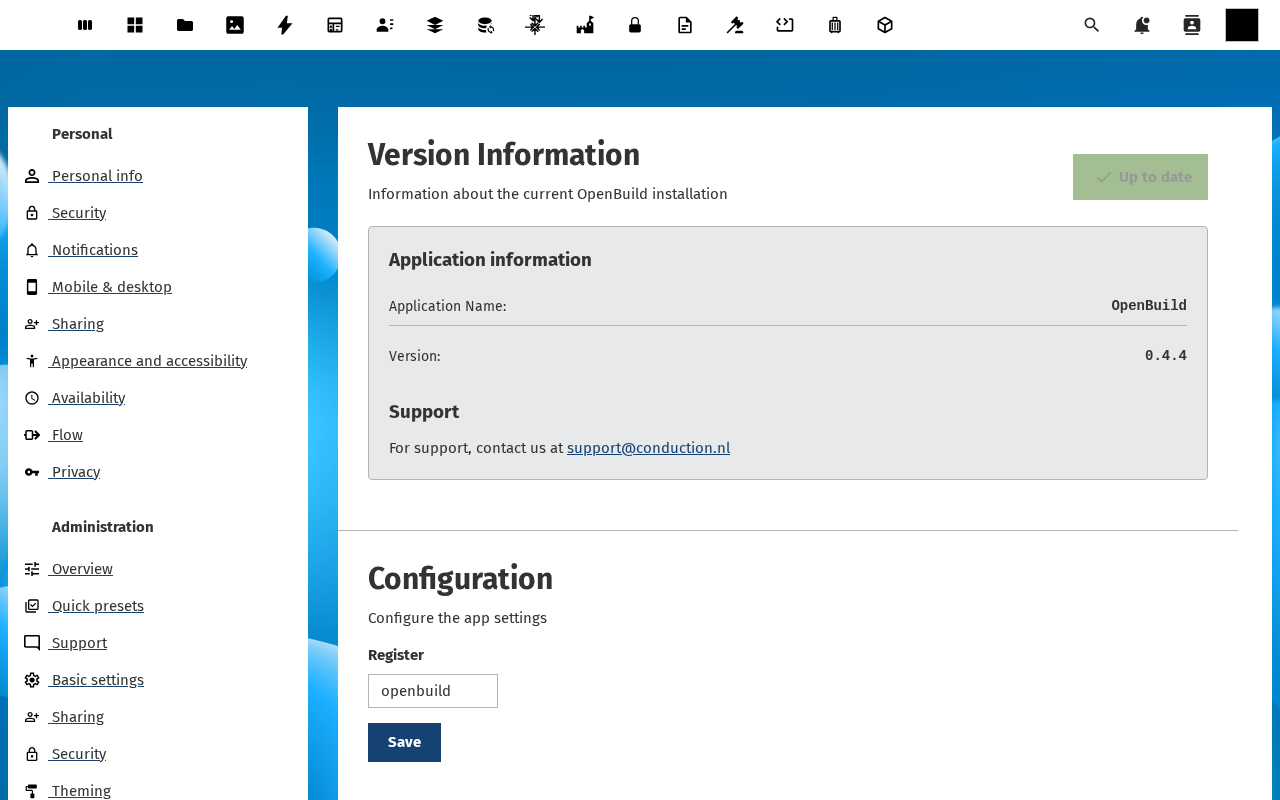
Open Settings → Administration → OpenBuild in Nextcloud. The OpenBuild admin settings page opens with three sections: Version Information, Support and Configuration.
-
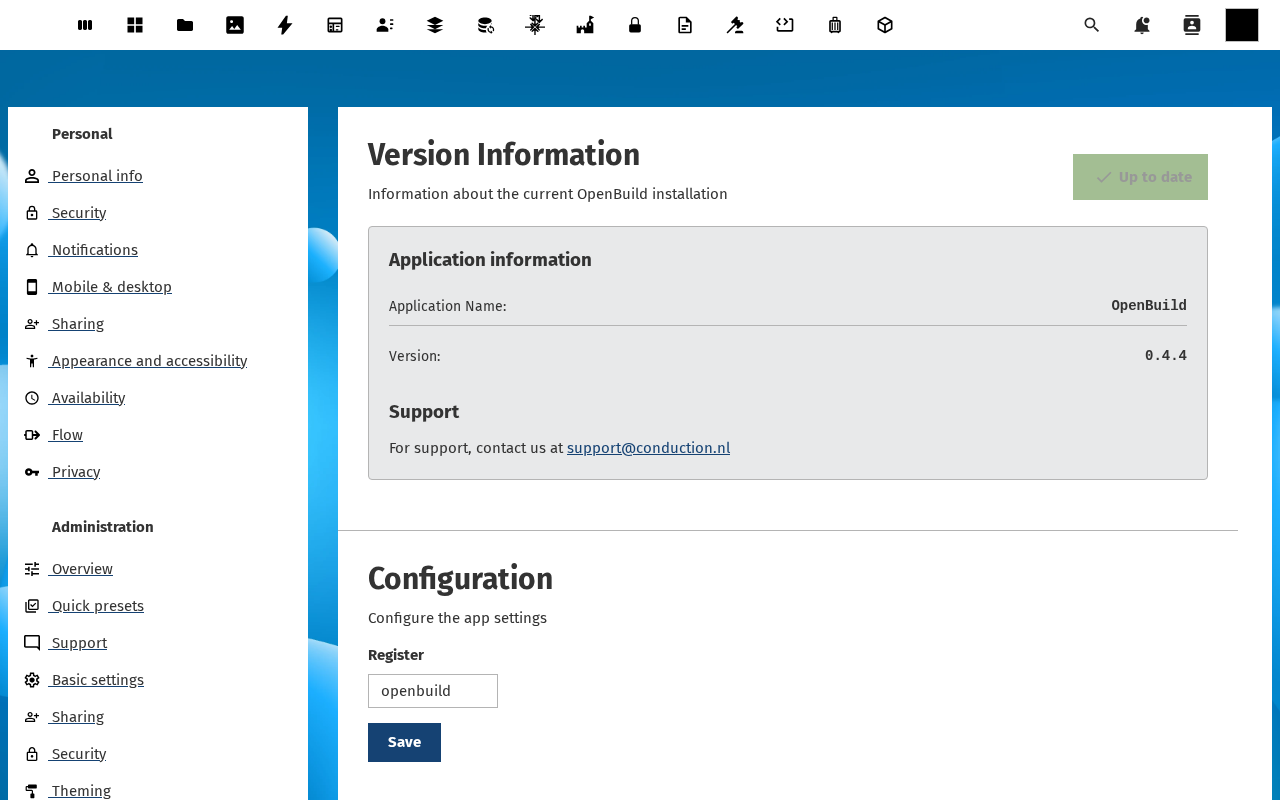
Scroll to Configuration. Find the Builder groups dropdown — it is a multi-select picker of Nextcloud groups; on a fresh install it is empty, which is why only admin can open the builder today.
-
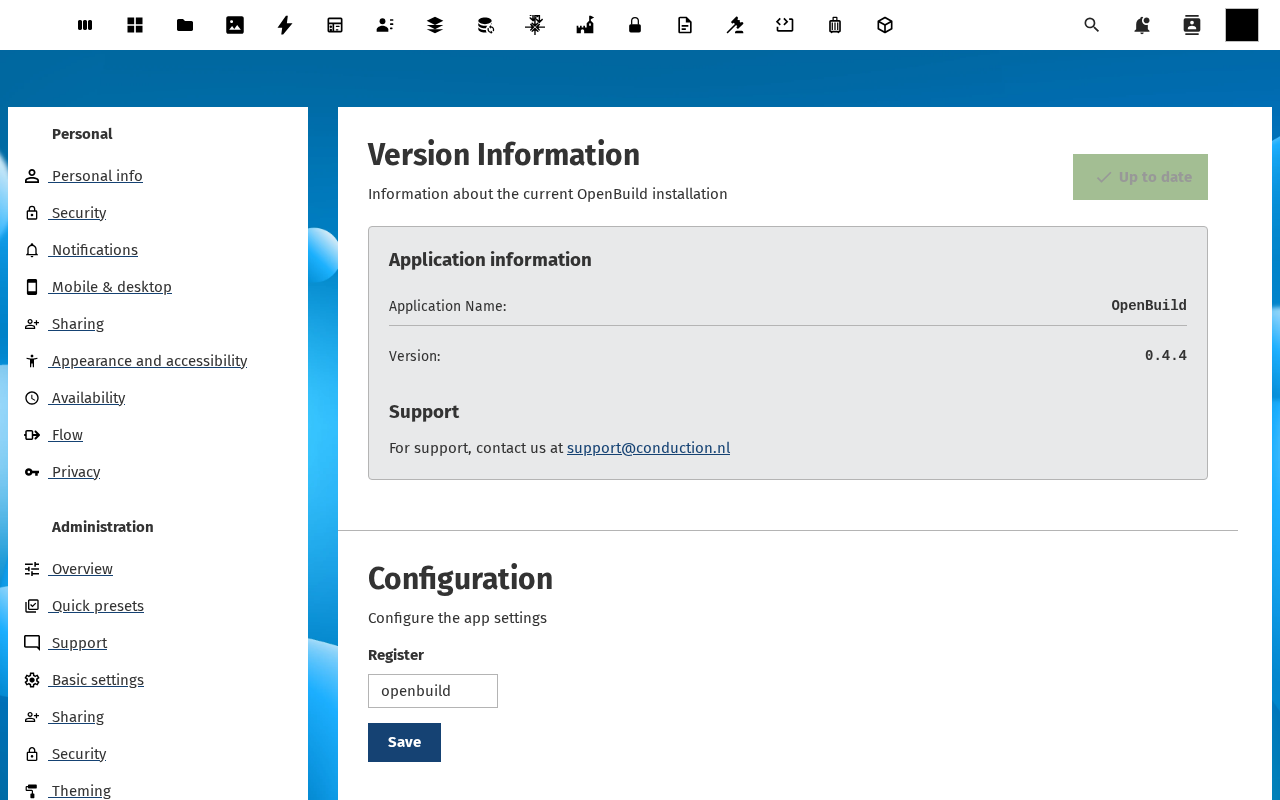
Pick the group you want to nominate (for example openbuild-builders). If the group does not exist yet, create it first under Settings → Users → Groups.
-
Click Save. The setting persists to
IAppConfig; the next call to the OpenBuild API checks the new group membership.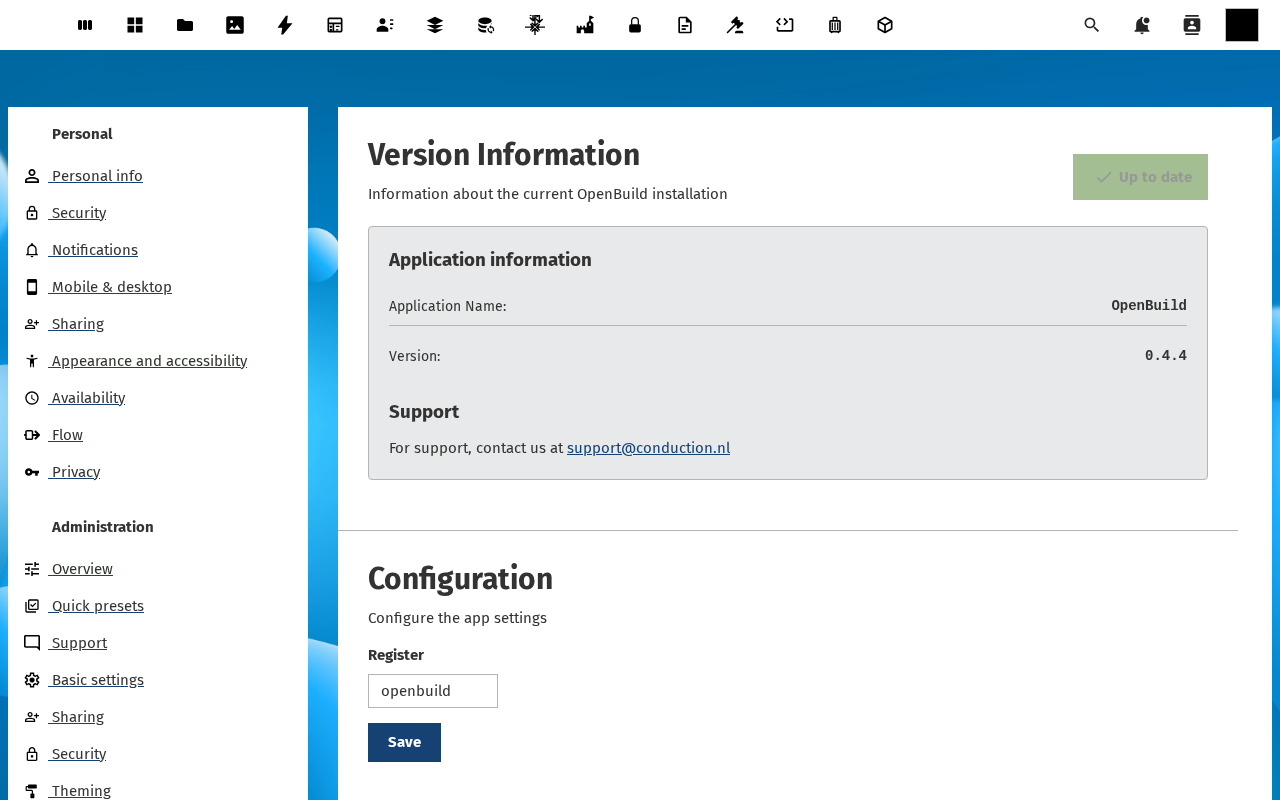
-
Add the user you want to give builder access to that group (under Settings → Users). Ask them to reload OpenBuild — they should now see the Open builder / Edit pages controls on every virtual app.
Verification
The RBAC change is good when: a user in the nominated group can open /apps/openbuild/builder/\<slug\>/pages without a 403, and a user not in the group gets the 403 they should.
Common issues
| Symptom | Fix |
|---|---|
| Save button does nothing | The configuration field is read-only on locked instances — check config.php for 'config_is_read_only' => true and remove it. |
| User still sees a 403 after group add | Nextcloud caches group memberships per session — ask the user to log out and back in. |
| Multiple builder groups conflict | Membership is OR-ed across groups: being in any of the listed groups gives builder access. Trim the list if that is broader than you intended. |
Reference
- Manage the template catalogue — same picker controls who can publish templates.
- Admin settings — version info, register, support contact.