Manage OpenBuild settings
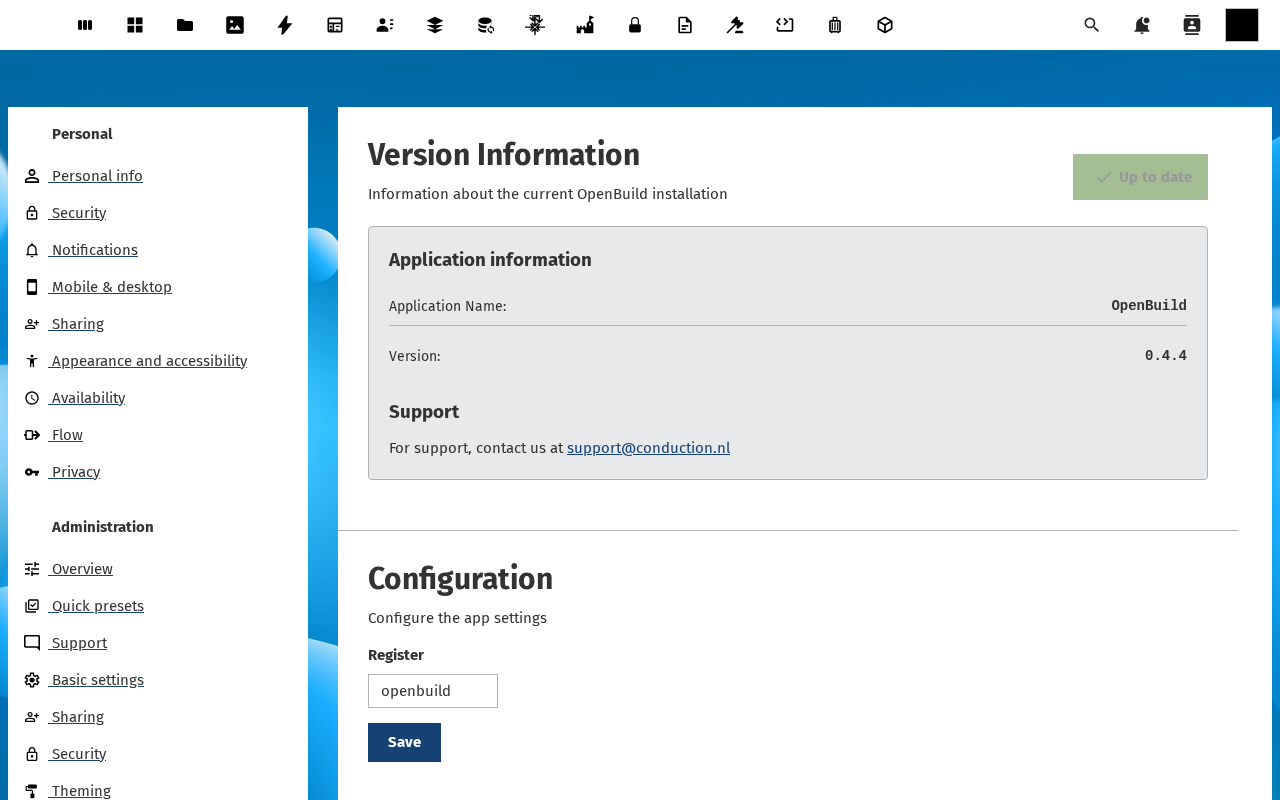
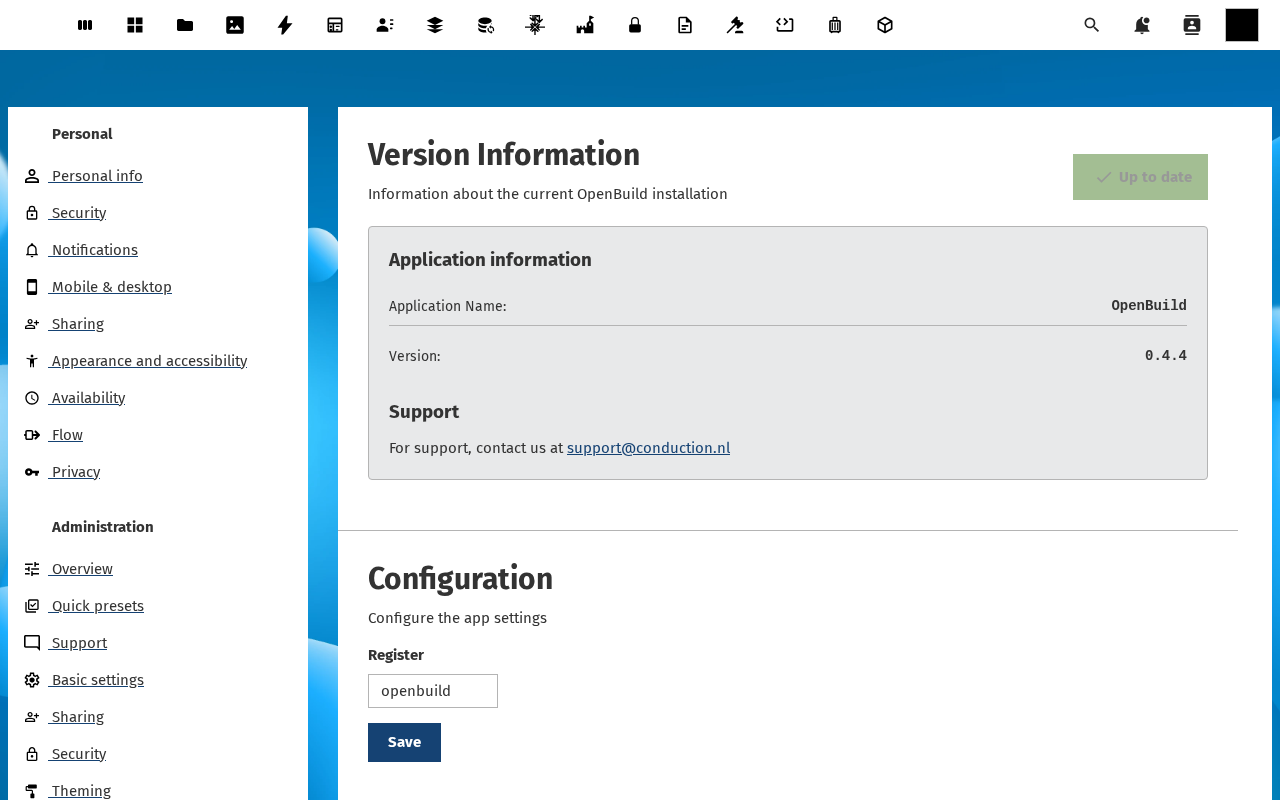
OpenBuild's admin settings page (in Nextcloud at Settings → Administration → OpenBuild) is short on purpose. It surfaces only the configuration an admin needs to know about: the running version, the OpenRegister register OpenBuild writes to, and the support contact end users will see.
Goal
By the end you will have confirmed the running OpenBuild version is up to date, set the OpenRegister register, and confirmed the support contact details users see.
Prerequisites
- Your account is in the admin group.
- The OpenRegister app is installed and enabled.
Steps
-
Open Settings → Administration → OpenBuild in Nextcloud. The page is split into three sections: Version Information, Support and Configuration.
-
Confirm Version Information. The section shows the running app version (for example
0.2.0) and an Up to date badge if the running version matches the latest release on the Nextcloud app store.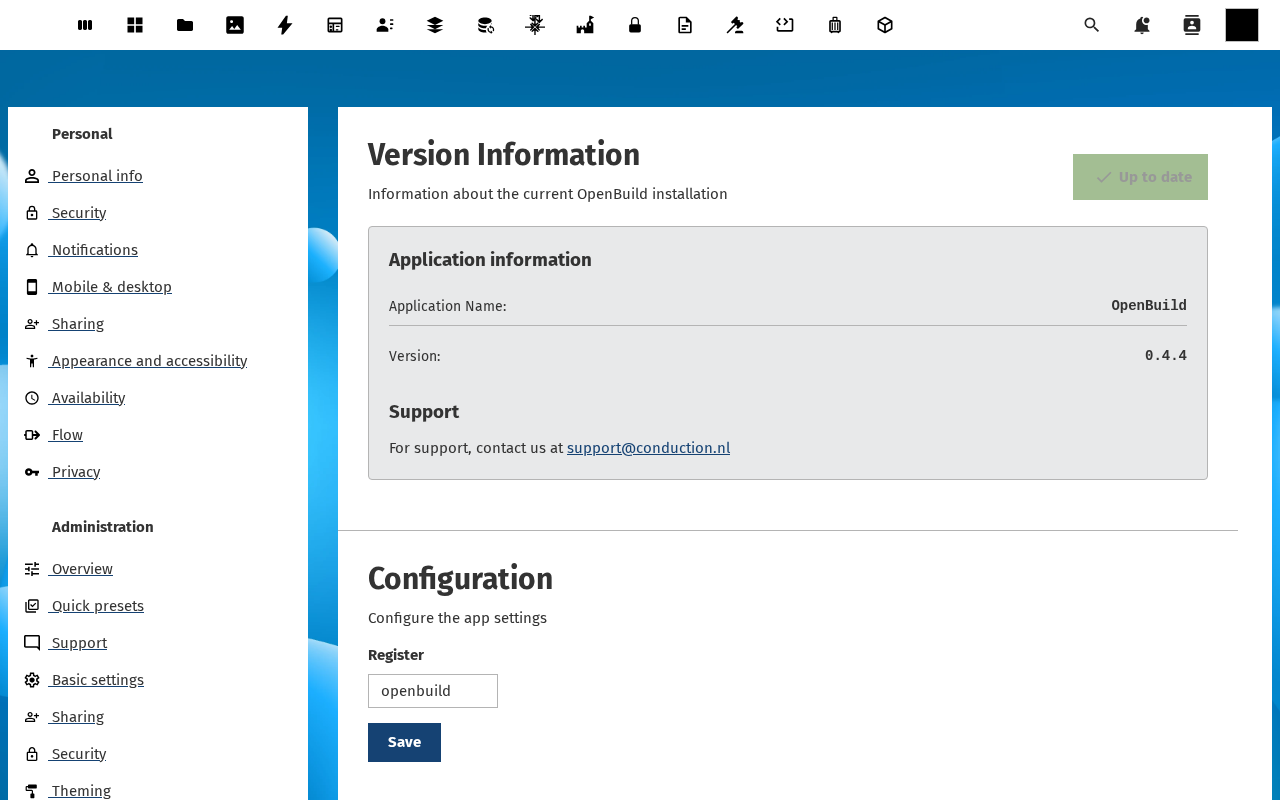
-
Confirm Support. The block shows the support email (
support@conduction.nlby default). This is what users see if they hit the Contact support link from inside OpenBuild.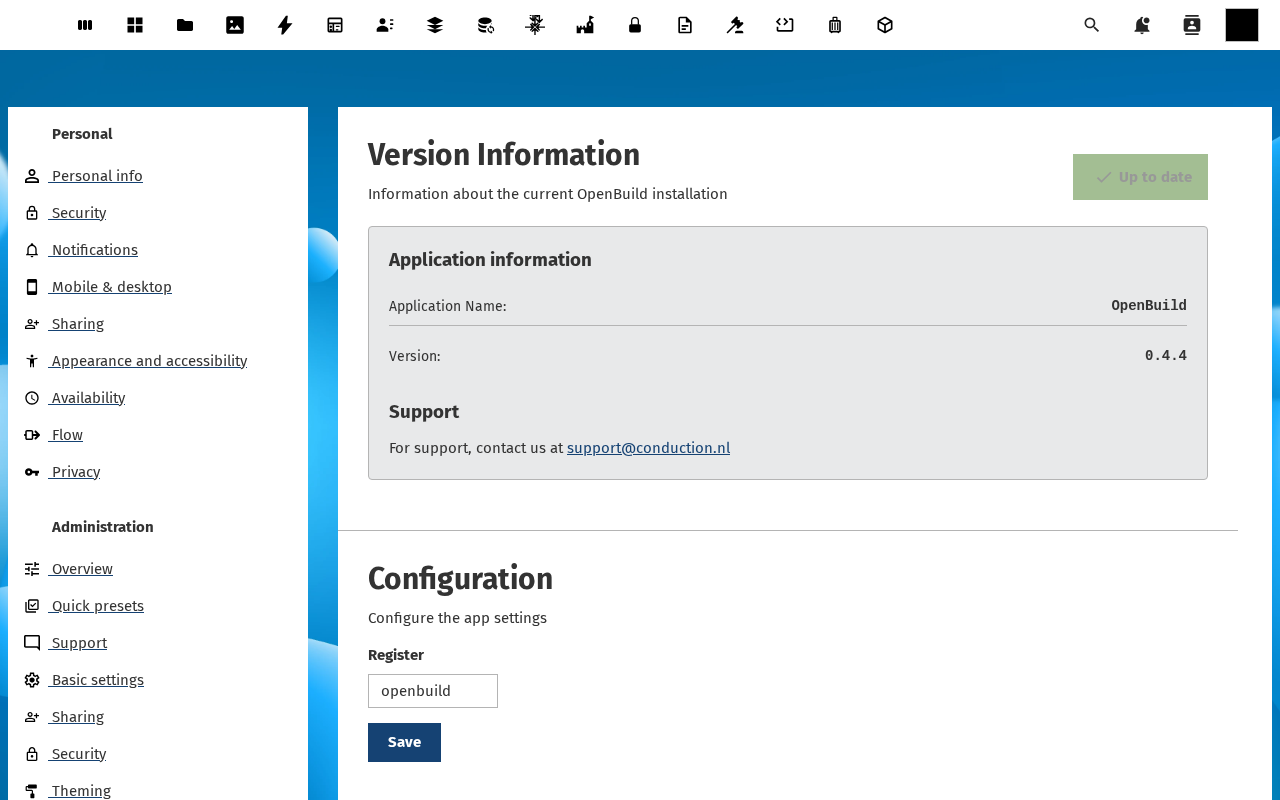
-
Scroll to Configuration. The Register dropdown maps OpenBuild to the OpenRegister register that holds application, schema, template, version and export records. On a fresh install it is pre-set to the
openbuildregister imported by the app's repair step.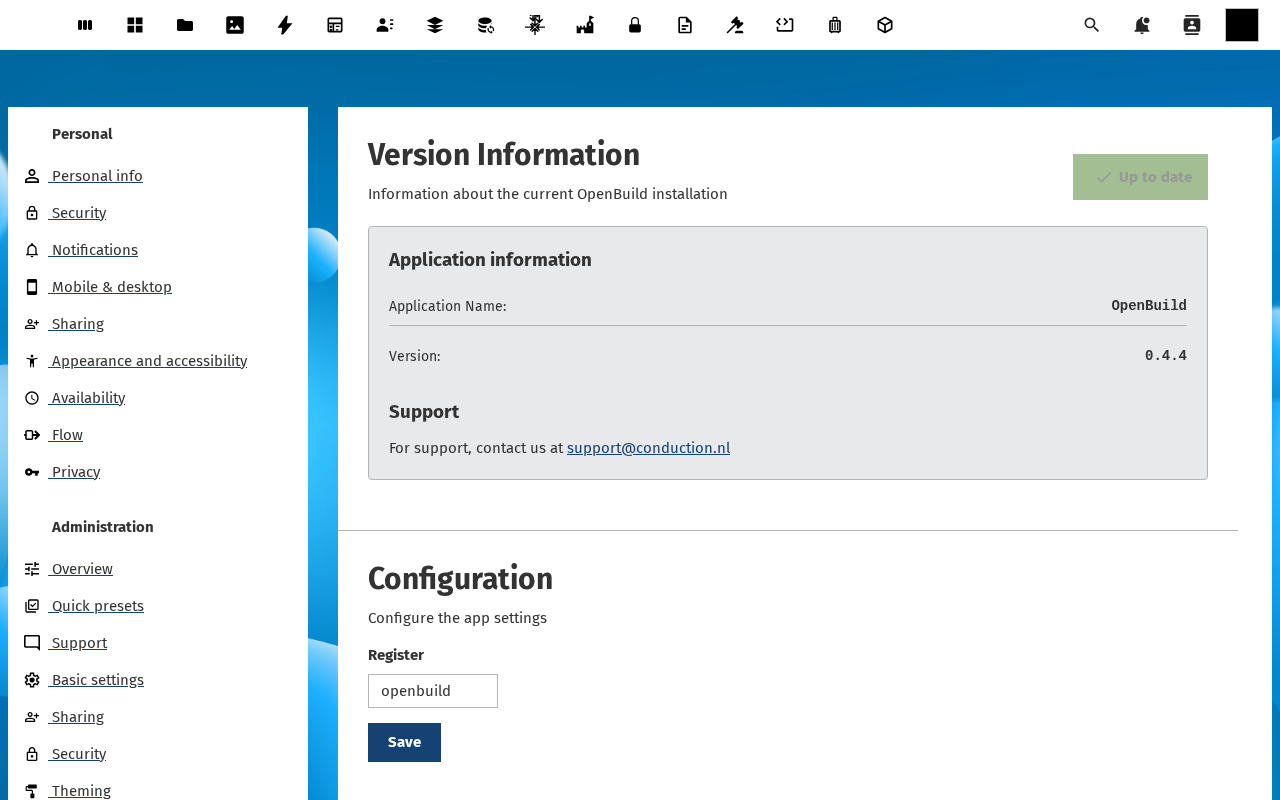
-
To rotate to a different register (only relevant when you are running multiple OpenBuild instances against the same Nextcloud), pick the new register and click Save. The change takes effect on the next API call.
Verification
The settings page is healthy when: the Up to date badge is green, the Support block shows your team's contact details, the Register dropdown points at a register that exists on this Nextcloud, and the save toast confirms the change persisted.
Common issues
| Symptom | Fix |
|---|---|
| Register dropdown is empty | OpenRegister has no openbuild register imported yet — run php occ openbuild:repair on the host. |
| Version Information shows Outdated | Update OpenBuild via the Nextcloud app store. |
| Save button does nothing | The configuration field is read-only on locked instances — check config.php for 'config_is_read_only' => true. |
Reference
- Manage who can build (RBAC) — same settings page, builder-groups picker.
- Manage the template catalogue — what builders see in the gallery.