OpenBuild
Citizen-developer app builder for Nextcloud. Compose a working app from typed registers, connectors, workflows, and document templates — then edit it live, from inside the running app. No code, no second platform, no separate build step.
What you get
- A template catalogue of curated starters (CRM, intake form, asset register, help desk) plus the blank-app option — administrators decide what's offered.
- In-app editing — open your app and edit it where it runs: switch a page into edit mode with the OpenBuild button, drag/resize widgets, add new ones, configure each one, and edit the app's pages, menu, sidebar and data — all without leaving the page. See Build your app in-app.
- A widget library — drop Data, Object relations, tables, charts, KPIs, object lists, files and more onto any page, and configure what each shows. See the Widgets reference.
- A schema designer: define your data model field by field, backed by OpenRegister typed registers. No migrations.
- Data wiring: connect a register, an OpenConnector connector, an n8n workflow, or a DocuDesk template — the app reads and writes through OpenRegister abstractions.
- Version snapshots: snapshot the whole app and roll back a bad edit. Export the bundle as a ZIP at any time.
- RBAC: administrators control who can build, and per-record access is enforced through OpenRegister.
How building works
OpenBuild apps are manifest-driven: an app is a JSON manifest (pages, menu, widgets, data bindings) that the runtime renders live. You don't generate code or redeploy — you edit the manifest and the running app reflects it.
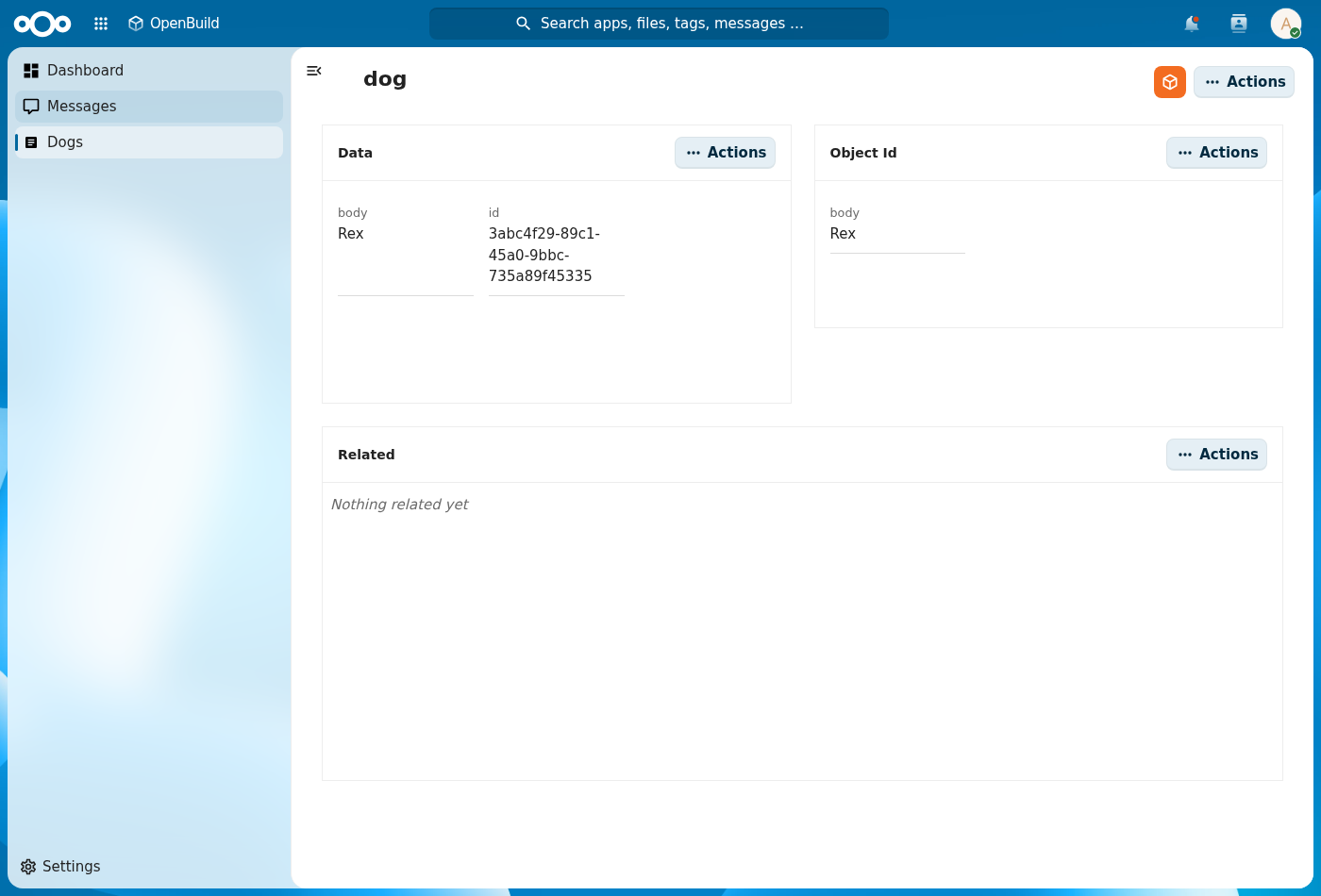
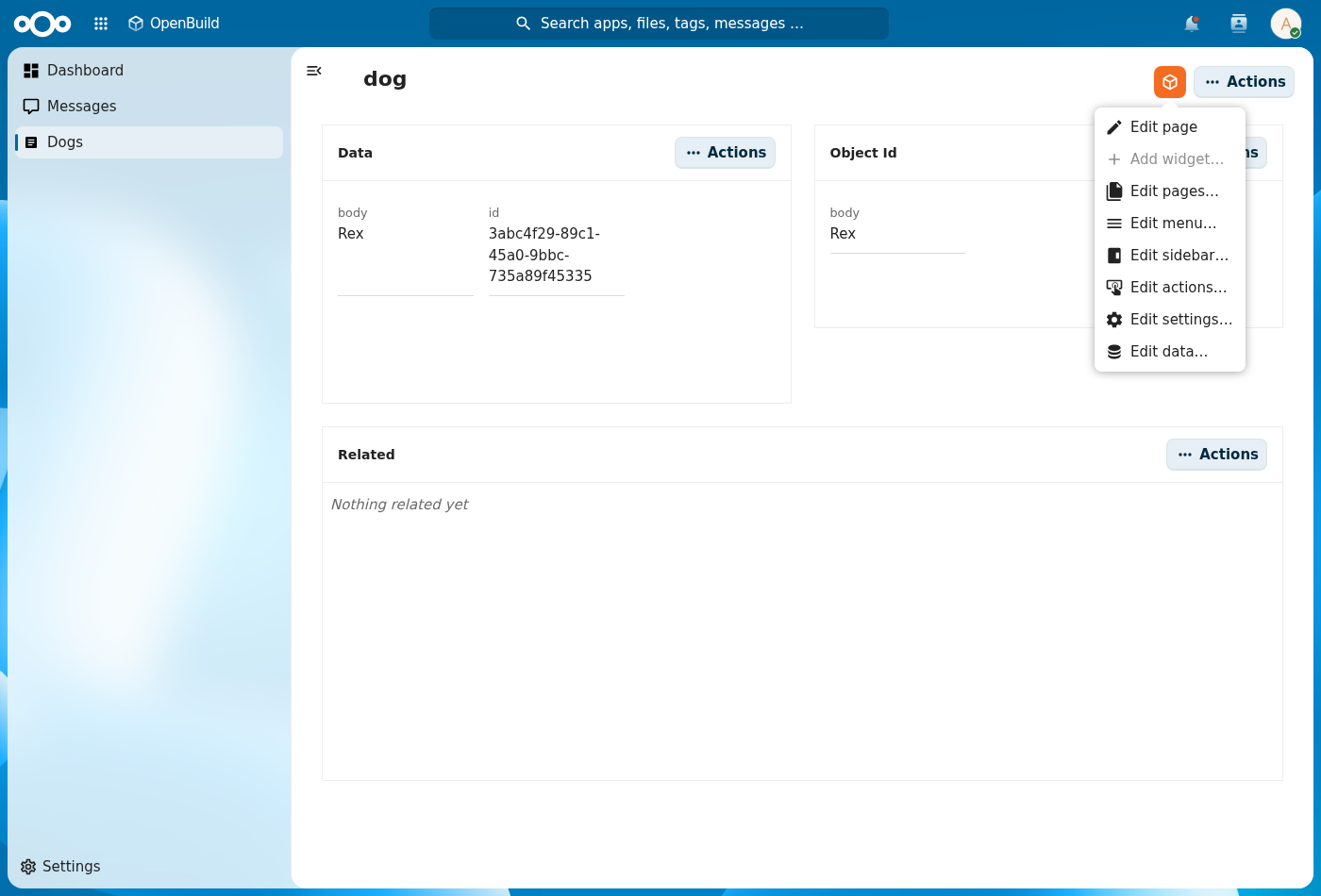
The primary way to edit is in-app. Every page carries an Edit with OpenBuild button (the orange cube). Click it to:
- Edit page — turn the current page into an editable grid: drag, resize, configure, and Add widget.
- Edit pages / menu / sidebar / actions / settings — manage the app's structure.
- Edit data — manage the app's register and schemas.
The standalone designer surfaces (
/apps/openbuild/builder/<slug>/pagesand/schemas) still exist for power users, but in-app editing is the recommended way to build and the focus of these docs.
Getting started
Install OpenBuild from the Nextcloud app store or enable it in your Nextcloud admin settings. Then open the app, pick a template (or start blank), open a page, and hit Edit with OpenBuild.
For step-by-step walkthroughs, see the Tutorials in the sidebar — the
User guide covers building an app in-app, the Admin guide covers RBAC,
the template catalogue, and OpenBuild settings. The Widgets
reference lists every widget you can add, and the integrator-guide,
openbuild-rbac, and openbuild-runtime pages cover the deeper mechanics.